
Deposit Payments
Configure deposit payments in RepairPlugin to reduce no-shows by requiring a fixed or percentage-based upfront payment at checkout.
depositcheckoutpartial-paymentno-show-preventionbooking-confirmation
What can you do with this?
- Reduce no-shows -- customers who pay upfront are far more likely to show up for their appointment.
- Collect a fixed or percentage-based deposit -- charge a flat amount (e.g., $20) or a percentage of the total repair cost (e.g., 30%).
- Avoid tiny remaining balances -- set a threshold so RepairPlugin charges the full amount when the deposit is already close to the total.
- Collect the rest later -- the remaining balance can be paid in-store or through another method after the repair is done.
Where to find it
- In the WordPress admin menu, go to RepairPlugin.
- Click Settings.
- In the sidebar, select Checkout & Discount.
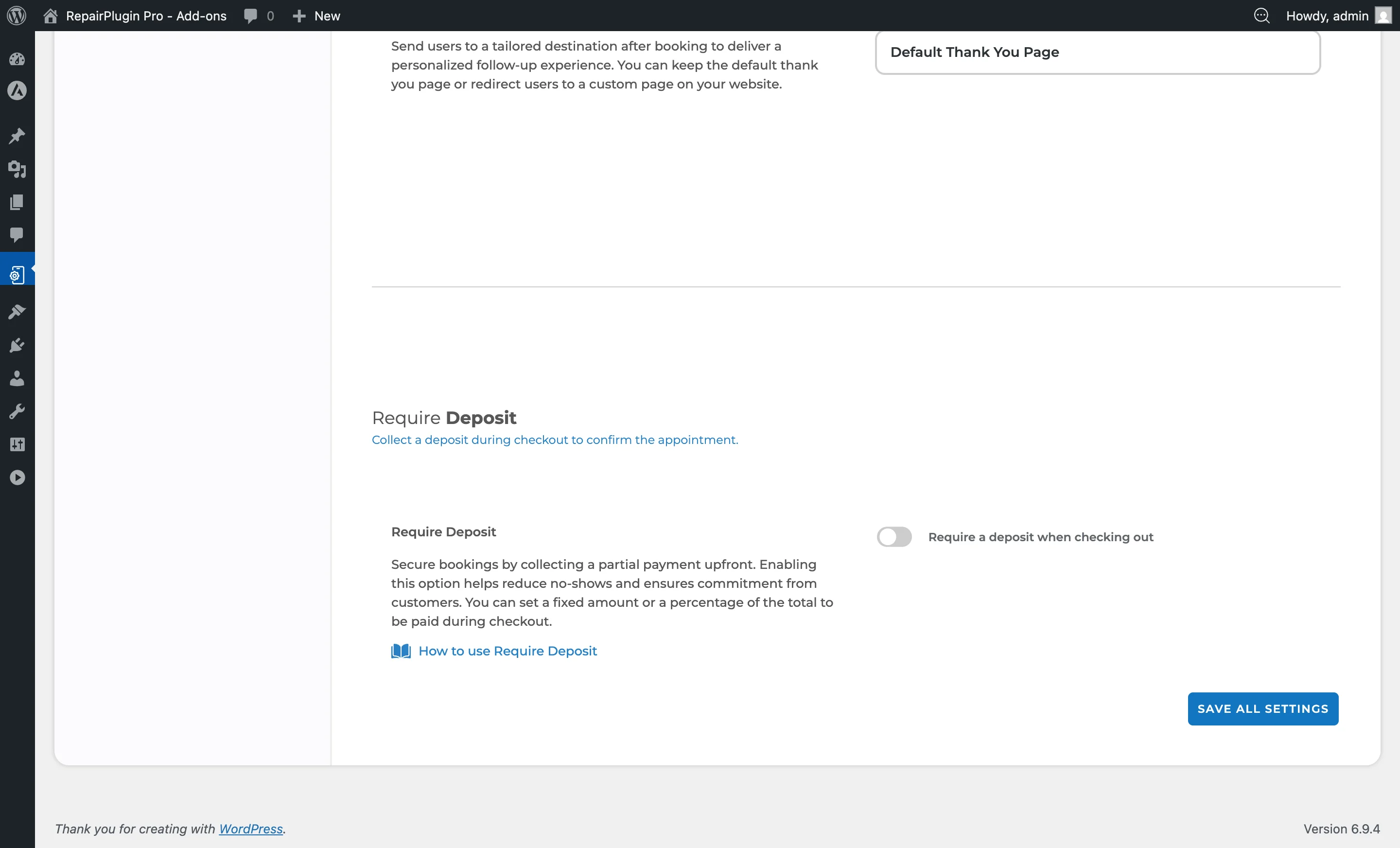
- Scroll down past the Price on Request and Service Methods sections until you reach the Require Deposit section.
https://www.repairplugin.com/wp-admin/admin.php?page=wp_repair_settings§ion=planning_discount
How to set it up
Enable deposit payments
- Navigate to the Require Deposit section.
- Switch Require a deposit when checking out to ON.
- If no online payment method is active, an error message will appear: "To require a deposit when checking out, please enable at least one online payment method."
- Select a Type (Fixed or Percentage).
- Enter the deposit Amount.
- Optionally, configure the Charge Full Amount threshold.
- Click Save at the bottom of the page.
Note: Deposits require at least one online payment method (Stripe, PayPal, Mollie, or iDEAL in3) to be active. The "Pay after repair" method alone isn't sufficient for deposit collection.
Disable deposit payments
- Switch Require a deposit when checking out to OFF.
- Click Save. All future bookings will no longer require a deposit.
Change the deposit type or amount
- Use the Type dropdown to switch between Fixed and Percentage.
- Update the Amount field with the new value.
- Click Save. Changes apply to all future bookings immediately.
Settings reference
| Setting | Description | Default | Customers see |
|---|---|---|---|
| Require a deposit when checking out | When enabled, customers must pay a deposit before their booking is confirmed | off. The remaining balance is collected later | The checkout step shows the deposit amount and the remaining balance. Customers must complete the deposit payment to finalize the booking. |
| Type | Controls how the deposit amount is calculated | Fixed. "Fixed" charges a specific currency amount. "Percentage" charges a percentage of the total repair cost | With "Fixed," every customer pays the same deposit. With "Percentage," the deposit scales with the order total. |
| Amount | Sets the deposit value | 0. For "Fixed," this is a currency amount (e.g., 20 means $20). For "Percentage," this is a percent value (e.g., 30 means 30%). Negative values are automatically corrected to 0 | The exact deposit amount they need to pay during checkout. |
| Charge Full Amount if Deposit Covers More Than X% of Total | If the calculated deposit equals or exceeds this percentage of the total order value, RepairPlugin charges the full amount instead of just the deposit Tip: Keep this at 70% or higher. If a customer's deposit already covers most of the cost, it's simpler for everyone to just pay in full. | 70. This prevents situations where only a tiny remaining balance would be left over. This setting is only visible when the Type is set to "Fixed." | They may be charged the full amount at checkout instead of just the deposit when the threshold is met, avoiding a very small remaining balance. |
Frequently asked questions
Which payment methods support deposits?
You need at least one online payment method active -- Stripe, PayPal, Mollie, or iDEAL in3. The "Pay after repair" option alone won't work for collecting deposits.
Does the threshold setting apply to percentage-based deposits?
No. The "Charge Full Amount" threshold is only visible and active when the Type is set to "Fixed."